✳ You do not need coding knowledge to take the first step.
Your Facebook page introduces you. Your website tells the whole story.
A website gives your business its own link: a place where customers can learn about you and explore what you offer. Share that link on Facebook, in messages, and wherever people discover your business.
Creating a website can sound technical. Banow gives you starting designs and tools to make one your own, with developer help when you prefer it.
01Your business
02Your Banow website
03Share your link
01 / CHOOSE YOUR PATH
How would you like to build?
Choose how much you want to do yourself. You do not need to understand the technology to choose a starting point.
01
Banow Studio
Build it yourself
Start a private project or explore sample designs. Edit your own saved design in Studio; catalogue samples are not installable releases.
A template is one starting point for a private design. The other two routes are planned with you, so you stay involved in the details.
02 / BANOW STUDIO
Coming soon · Studio and the AI designer are not available yet.
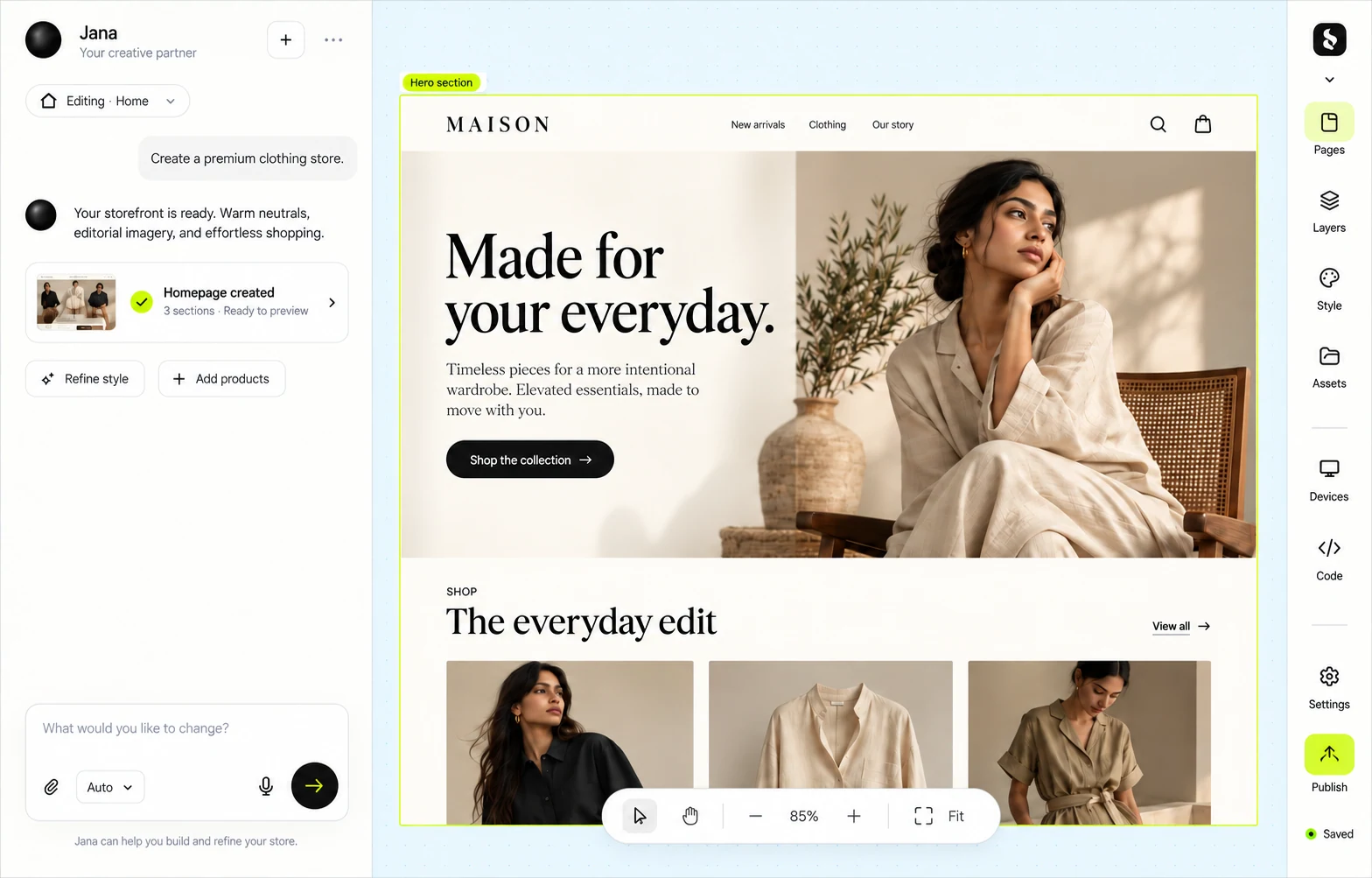
Start with a design. Make it your own.
Build with AI opens a private project setup after sign-in. AI needs an administrator-selected model, enabled access and available tokens. Save and build your design, then explicitly share a visitor preview. A preview does not publish a live store or accept orders and bookings.
01
Start a private project
Describe your site to AI, or open your own saved design.
1Start a private project2Add your business3Preview and refine
Example starting design
website brief
01 Your business story02 Design and requirements03 Review together
Your brand
A website shaped around your idea
Illustrative developer workflow
03 / YOUR DEVELOPER
Your developer. Your vision. Built with Banow.
Want something tailored to your business? Share your idea with your developer. Our developer guide explains how custom Banow templates are built, so you can plan the work together and stay involved at every step.
Can I build a website without knowing how to code?
Yes. You can explore templates and change a design visually in Banow Studio. Studio is currently a design preview.
I already sell on Facebook. Why would I need a website?
A website gives customers one link to learn about your business and see what you offer. You can share it through Facebook and messages.
What should I prepare before starting?
To start from a template, a business name, a short description, and a few photos are enough. You can pick a template before all of that is ready.
How quickly can I get started?
You can explore examples or start a private project. A working share link requires a successful saved build and an explicit sharing action. Completion and live publication need further checks; no delivery time is guaranteed. Custom work is scoped with your developer or Banow before it starts.
How much does a website with Banow cost?
See our pricing page for Banow plans. Custom development is scoped and quoted for your project. View pricing ↗
Can my own developer build with Banow?
Yes. Our developer guide explains how custom Banow templates are built, so you and your developer can plan the work from the start, with you involved at every step.
Can Banow build the website for me?
Tell us about your project by email. We can discuss the scope, price, and timeline before work begins.